
What Is a Smart Plug?
A smart plug is a device that fits between a wall outlet and a plug-in appliance, so you can turn that appliance on or off from an app, on a schedule, or through automation. In plain terms, it turns a regular lamp, fan, coffee maker, or other compatible appliance into something you can control more like a smart device.
That makes a smart plug one of the easiest ways to start with home automation. You do not need to replace the appliance itself; you simply add a control layer in the middle. Some models also include energy monitoring, which lets you see how much power a connected device is using in the app.
How Does a Smart Plug Work?
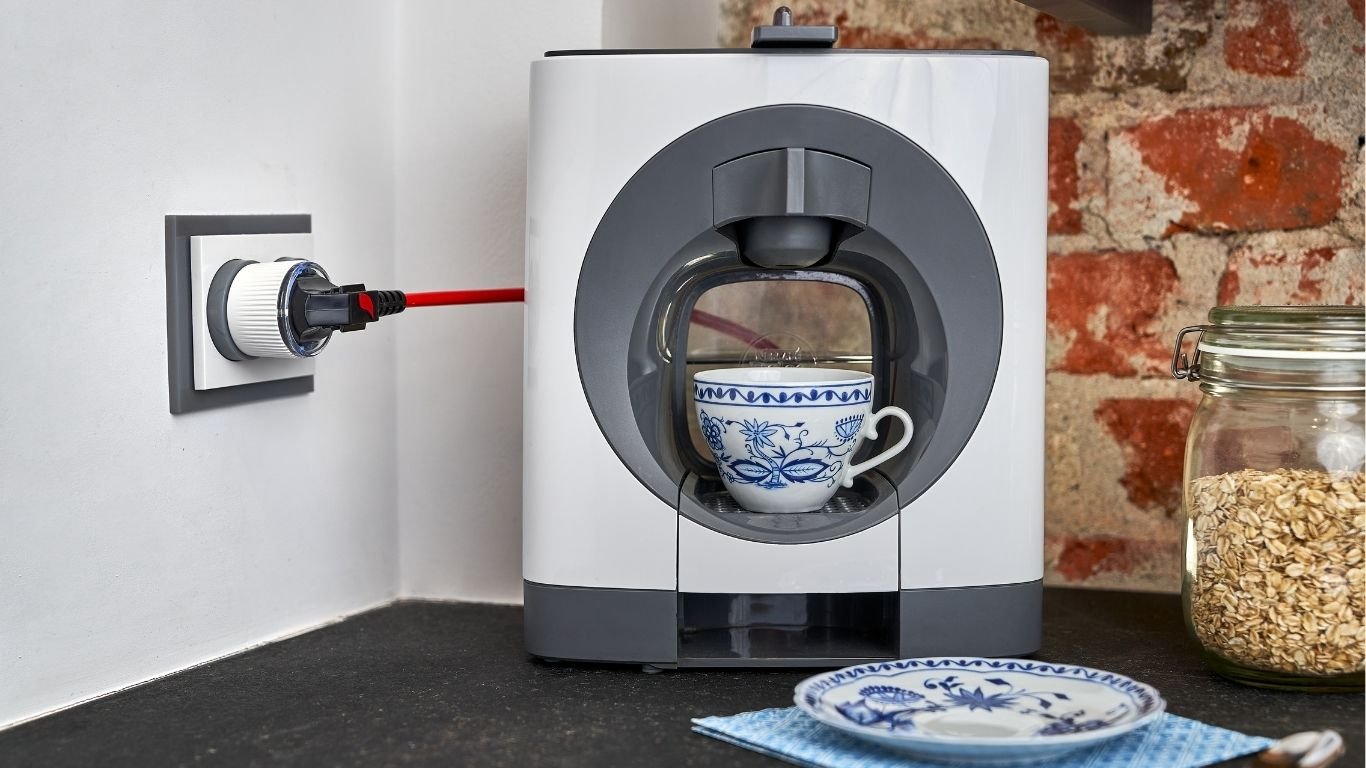
The setup is simple: wall socket → smart plug → appliance. The smart plug receives power from the wall and passes it to the appliance, while also acting as the control point. Through the plug’s app or a connected smart home platform, you can tell it when to supply power and when to cut it off.
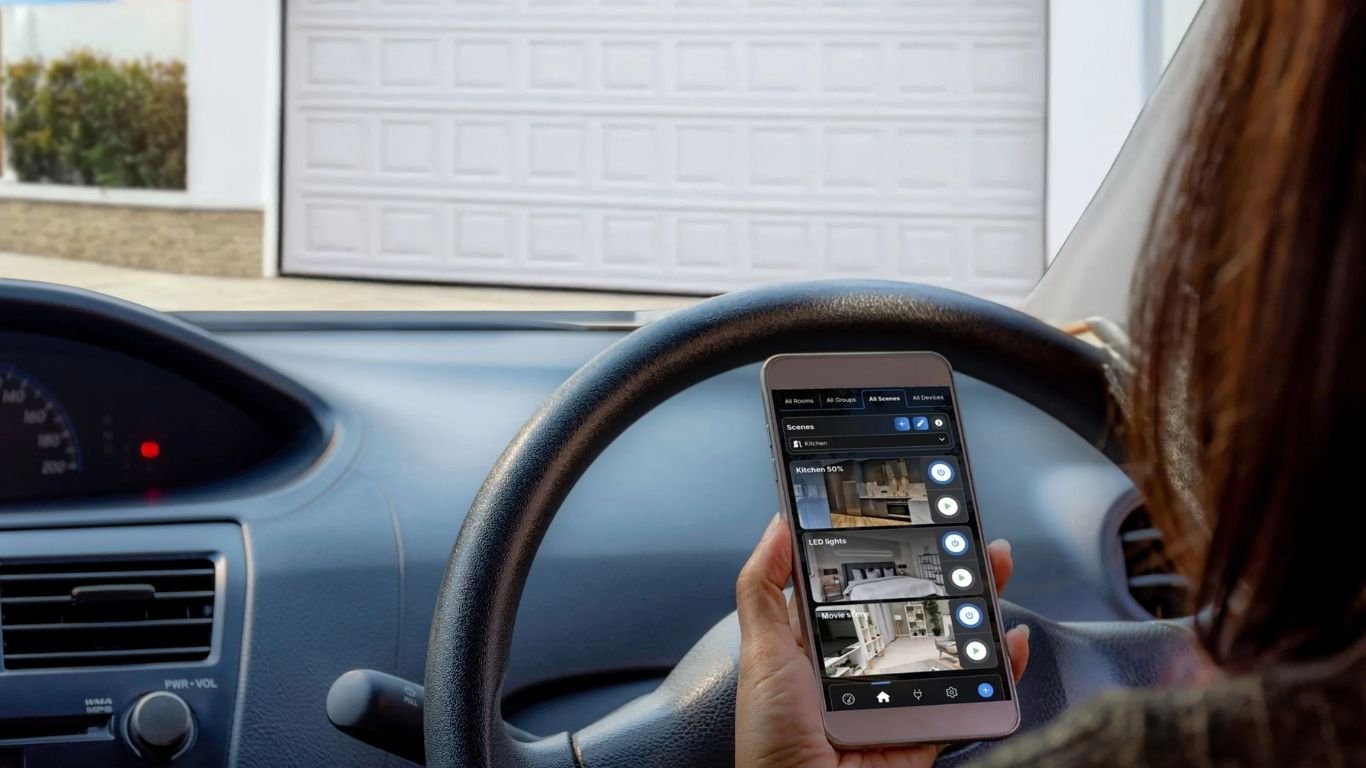
Many Wi-Fi smart plugs connect to your home network, which is why you can control them remotely from your phone when you are away from home. Some can also be added to smart home routines, such as Google Home automations, so they respond to triggers like time of day or another action in your home setup.
What Can You Do With a Smart Plug?
- Turn devices on or off remotely from your phone.
- Set timers so a device runs for a set period.
- Create schedules so lights or appliances switch on and off automatically.
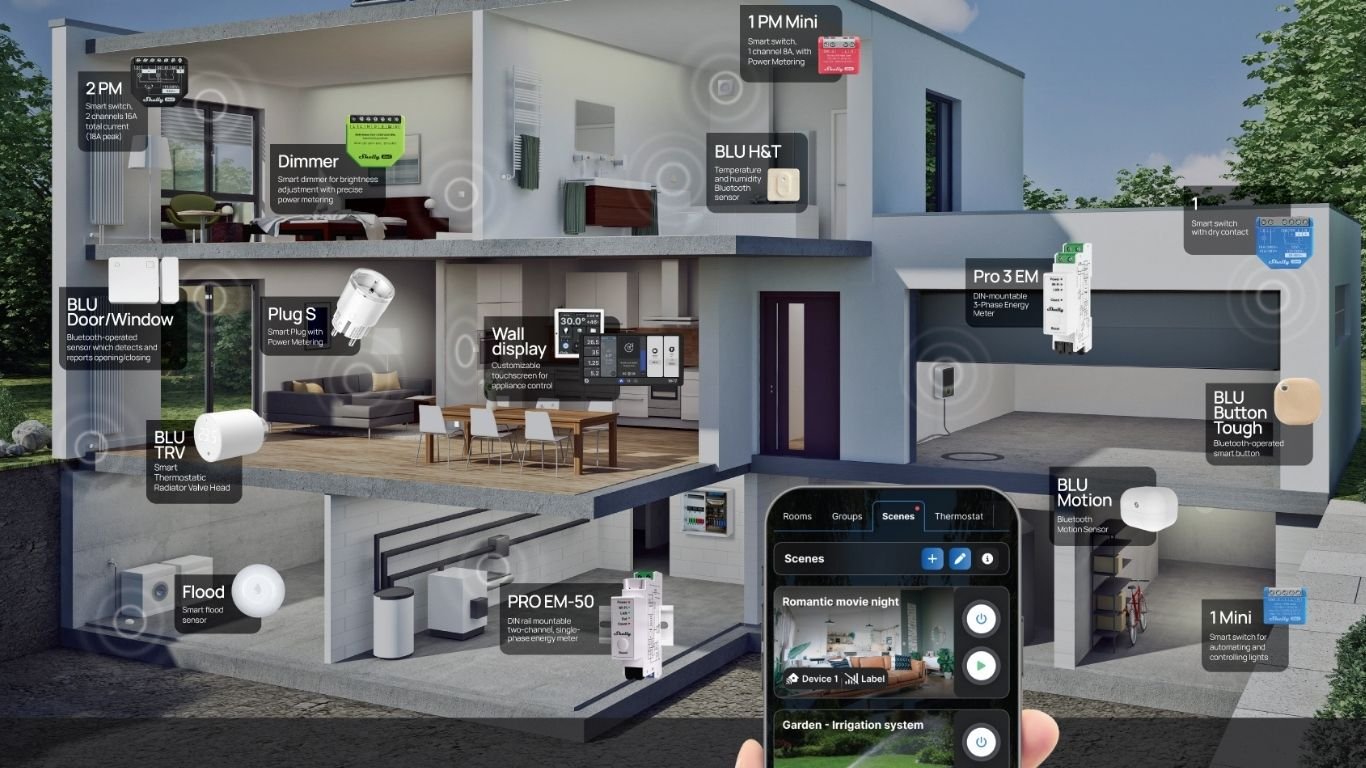
- Use automations with other smart home devices or routines.
- Check energy monitoring data, if the model supports it.
In everyday life, that can be surprisingly useful. You might turn on a lamp before you get home, schedule a coffee machine to switch off after your morning routine, or keep a fan on a timer so it does not run longer than needed. In a home office, a smart plug can help you manage desk lamps, printers, or charging devices more conveniently.
Best Everyday Uses for a Smart Plug
Smart plugs work best with appliances that simply need power on and off. Good examples include lamps, coffee machines, fans, entertainment devices, home office equipment, and dehumidifiers. They are especially helpful for routines you repeat every day, because automation removes one more small task from your list.
That said, not every appliance is a good fit. Anything with a high power draw, unusual control needs, or a built-in safety requirement should be checked carefully before use. Always confirm that the plug’s load rating matches the device you want to control.
Do Smart Plugs Save Electricity?
Not by themselves. A smart plug does not magically lower your electricity use just because it is connected. What it can do is help you spot waste and turn things off when they are not in use, which are both recognized energy-saving habits.
That is where energy monitoring can help. If you can see how much power a device uses, you may notice standby consumption or appliances that stay on longer than they need to. In other words, a smart plug may help you reduce unnecessary use, but it does not guarantee savings on its own.
A smart plug can help you manage energy use more carefully, but the real savings come from the habits you build around it.
Smart Plug vs Regular Plug
Here is a quick comparison of what each one does:
- Regular plug: Provides power only.
- Smart plug: Provides power and lets you control it through an app, schedules, timers, or automations.
- Regular plug: No usage data.
- Smart plug: Some models include energy monitoring.
- Regular plug: No remote control.
- Smart plug: Can often be controlled remotely when connected to Wi-Fi.
What Should You Look for Before Buying One?
- Load rating: Make sure the plug can safely handle the appliance you want to use.
- Energy monitoring: Useful if you want to track power use and spot standby waste.
- Connectivity: Many models use Wi-Fi, which makes phone control and remote access easier.
- Automation options: Look for timers, schedules, and routine support if you want more than basic on/off control.
- App quality: A clear, reliable app makes setup and daily use much easier.
- Smart home compatibility: Check whether it works with the platform you already use.
- Safety: Use the plug within its limits and avoid overloading electrical devices, since overloads can create fire hazards.
If you are new to smart home devices, it can help to start with a model that balances simplicity and useful features. A plug with scheduling and power monitoring covers the most common beginner needs without adding unnecessary complexity.
Is a Smart Plug a Good First Smart Home Device?
For many beginners, yes. A smart plug is usually affordable, easy to set up, and immediately useful because it upgrades devices you already own. It is a practical first step into smart home control: simple enough for renters and homeowners alike, but flexible enough to support remote control, automation, and energy awareness.
If you want a straightforward starter option, a device like the Shelly Plug M is an example of a smart plug that combines power monitoring and automation features. That makes it a useful reference point when you are comparing beginner-friendly options — not because you need that specific model, but because it shows what a well-rounded smart plug can do.

Comments 0