
What Makes a Smart Home Device Actually Useful?
Most smart home devices are not interesting because they are connected. They are useful because they quietly solve a problem you already have: wasted energy, lights left on, rooms that feel too hot or too cold, or the constant little chores that eat attention. If a device only gives you another app to check, it is probably solving the wrong problem.
The best smart home technology usually does four things: it solves a real household issue, automates something repetitive, gives you information you can actually use, and works with the rest of the home instead of creating another island of control. That is the difference between a gadget and a genuinely good upgrade.
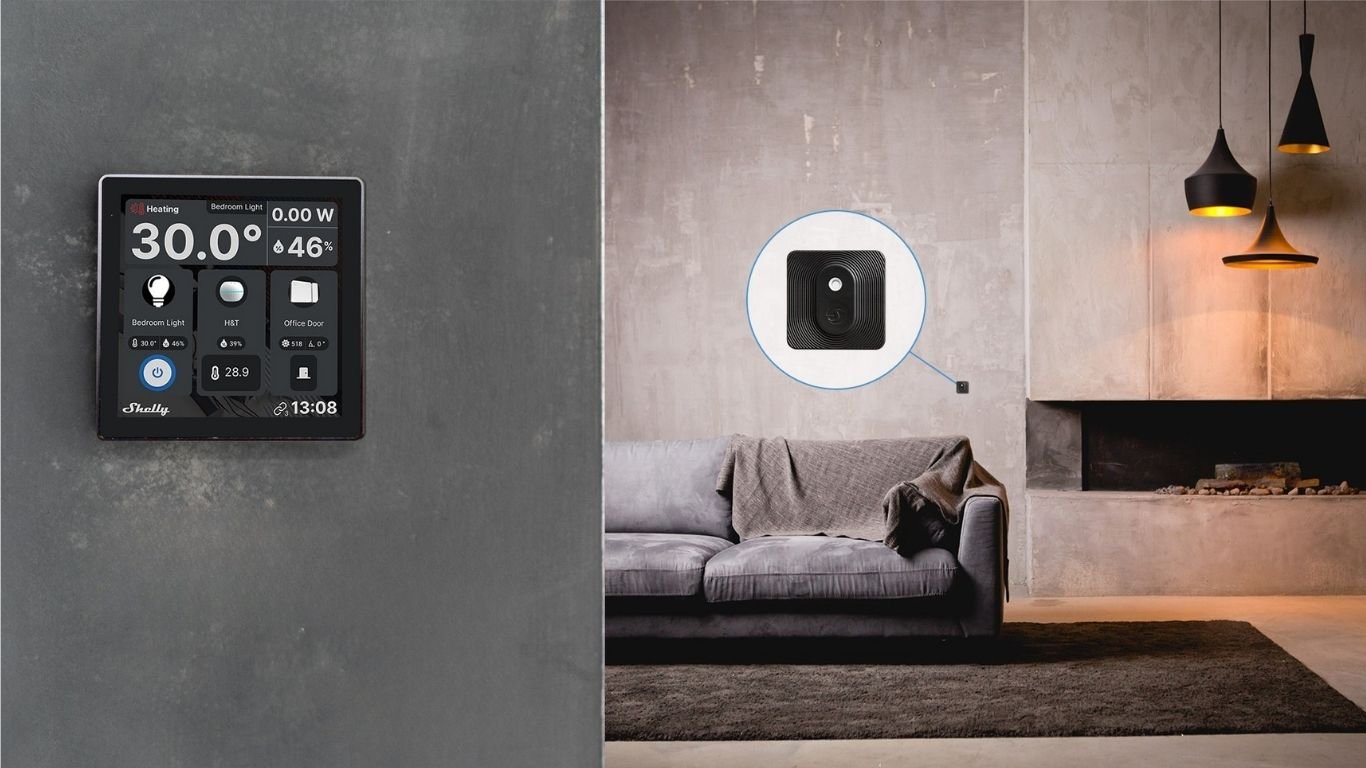
That is why the smartest starting point is not “buy everything.” It is “pick the annoyance that repeats every week and fix that first.” The rest of this guide moves problem by problem, so you can match the right smart devices for home to the job they actually need to do.
Find Out Where Your Energy Is Going
If your energy bill feels vague, start with visibility before automation. Energy monitoring devices show you which circuits or appliances are doing the heavy lifting, so you can measure first and automate second. The point is not to obsess over every watt. It is to identify the loads that deserve attention.
Devices like Shelly Pro 3EM are designed to monitor electricity consumption across household circuits and higher-load use cases, while Shelly EM Gen4 helps track how much electricity specific systems or appliances are using. That makes them useful when you want to understand what is actually happening behind the scenes, not just guess.
The practical win is simple: once you know which circuit, heater, or appliance is unusually active, you can decide whether it should be scheduled, switched off remotely, or paired with another automation. That is much smarter than buying random gadgets and hoping they save effort.
Make Existing Lights Smart
Lighting is one of the easiest places to get value from smart home automation because it solves a very ordinary problem: forgetting to turn lights off or needing the right light at the right time. The best version of this is not app-only control. It is keeping the wall switch usable while adding automation in the background.
Shelly 1 Gen4 can control lights and other loads while keeping existing wall switches functional, which matters in real homes where people still want a normal switch on the wall. Shelly 1PM Gen4 adds power monitoring, so you can pair control with visibility when you want to understand how often a circuit is running.
Useful examples are simple: an away mode that turns lights off when nobody is home, motion-based evening lighting in a hallway, or schedules that make sure outdoor lights are not burning all night. The value is not “cool lighting.” The value is less remembering, less checking, and fewer wasted minutes.
Make Everyday Appliances Work Around Your Routine
Some of the most practical smart home gadgets are the boring ones: lamps, fans, coffee gear, office equipment, and other plug-in appliances that you use every day. A smart plug turns those into devices you can schedule, monitor, and switch remotely without replacing the appliance itself.
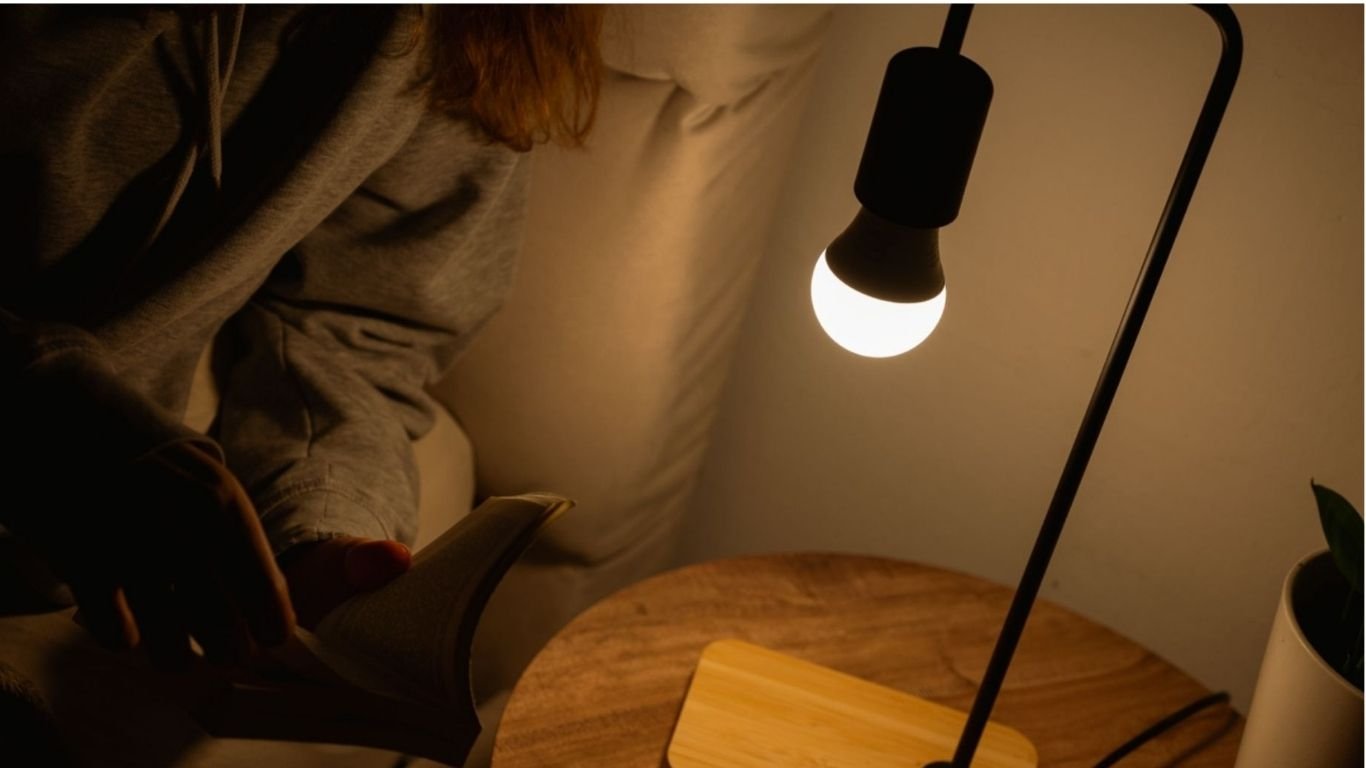
Shelly Plug M is a compact smart plug with power metering and remote control for everyday plug-in appliances. That makes it useful for a desk lamp that should turn off automatically at night, a fan that should stop after bedtime, or home-office gear that you want to check when you are away.
This is one of the clearest cases where smart control helps reduce app fatigue. Instead of opening an app for every little thing, you set a rule once and let the routine handle it. That is what good home automation devices should do: disappear into the background.
Let Your Blinds React to the Day
Blinds and shutters are a good example of where automation feels more useful than manual control. Morning light, late-day heat, and vacation routines all create repetitive decisions. A motorised blind that can respond automatically is not a luxury if it saves you from redoing the same task every day.
Shelly 2PM Gen4 is built for motorised loads like roller shutters and blinds and includes power measurement. In practice, that means you can set blinds to close at a certain time, react to strong sun, or follow a vacation routine without thinking about it each time.
The real benefit is comfort with less micromanagement. Rooms stay more usable, and the house can react to daylight instead of asking you to babysit it.
Make Heating and Cooling Respond to the Room
Static schedules are fine until a room behaves differently from the rest of the house. A sunny office, a damp bathroom, or a bedroom that gets stuffy at night all need context. That is where a temperature and humidity sensor becomes genuinely helpful.
Shelly H&T Gen3 provides temperature and humidity data that can support smarter comfort automations. In plain terms, it gives your system enough information to react to hot, cold, or humid conditions instead of blindly following the clock.
This matters because comfort is local. The room you are in is what counts, not just the average for the whole home. A good sensor can help a fan, heater, dehumidifier, or other compatible device respond to conditions more intelligently.
Know When Doors and Windows Are Open
One of the easiest ways to waste energy is to heat or cool a room while a window is open. That is a simple problem, which makes it a perfect fit for a simple sensor. Door and window sensors are not dramatic; they are practical.
Shelly BLU Door/Window detects whether a door or window is open or closed and can be used in alerts and automations. That means it can notify you when a window is left open or trigger a routine that pauses heating until the room is closed up again.
It is also a good example of the difference between connected control and useful automation. A connected device lets you check a status. Automation lets the home respond to that status without waiting for you to notice.
Detect Water Before It Becomes a Bigger Problem
Leaks are exactly the kind of problem smart home technology should handle well: they are small at first, easy to miss, and annoying when they grow. Early leak detection is useful not because it is scary, but because it gives you time to act before the mess gets larger.
Shelly Flood is designed to detect water leaks or flooding early. That makes it a sensible fit near sinks, washing machines, water heaters, basements, or utility rooms where a slow drip can turn into a much bigger cleanup if nobody notices.
If you want a smart home that feels calm rather than complicated, this is the kind of device that earns its place quietly. It does one job, and the job matters.
Make Rooms Respond to Movement
Motion-triggered lighting is one of the clearest examples of smart home devices solving an everyday annoyance. Hallways, bathrooms, stairs, and late-night trips to the kitchen all have the same problem: you want light, but you do not want to think about switches in the dark.
Shelly BLU Motion is built for motion-triggered and occupancy-based automation such as lighting. In a hallway, that can mean lights turn on when someone walks through and turn off after the area is empty. In a bathroom or bedroom path, it can make night-time movement safer and less disruptive.
This is the kind of automation people keep after the novelty is gone, because it solves a daily friction point without demanding attention.
From Smart Devices to a Smart Home
It helps to separate remote control from true automation. Remote control means you can tap an app or button to change something from another room or from away. That is useful, but it is still manual. True automation means one condition triggers another action automatically.
The simple formula looks like this: if this happens, then do that. If a window opens, pause heating. If motion is detected in the hallway, turn on the light. If the room gets humid, trigger ventilation. If power draw spikes on a circuit, send a notification. That is where a set of devices starts behaving like a system.
The goal is not more screens. The goal is fewer decisions. A smart home should reduce the number of times you have to remember, check, or switch something yourself.
Which Smart Home Device Should You Buy First?
There is no single “best first device” for every home. The smartest first purchase is the one that solves the problem you notice most often. Use the table below as a practical starting point, not a shopping list.
- If your main problem is high or confusing electricity use: start with Shelly Pro 3EM or Shelly EM Gen4.
- If you keep forgetting lights or want motion-based lighting: start with Shelly 1 Gen4, Shelly 1PM Gen4, or Shelly BLU Motion.
- If the issue is lamps, fans, or office gear that should run on a schedule: start with Shelly Plug M.
- If your blinds or shutters need to follow daylight or routine: start with Shelly 2PM Gen4.
- If comfort changes by room, not by the clock: start with Shelly H&T Gen3.
- If you want to catch open windows or paused heating: start with Shelly BLU Door/Window.
- If leaks near appliances or utility areas worry you: start with Shelly Flood.
| Common household problem | Best starting device | Why it helps |
|---|---|---|
| Unknown energy use | ShellY Pro 3EM or Shelly EM Gen4 | Shows where electricity is being used before you automate anything. |
| Forgotten lights | Shelly 1 Gen4 / 1PM Gen4 | Keeps wall switches usable while adding schedules and control. |
| Plug-in appliances left running | Shelly Plug M | Adds remote control, scheduling, and metering without replacing the appliance. |
| Blinds that need to react to the day | Shelly 2PM Gen4 | Automates motorised shutters and blinds based on routine or conditions. |
| Room-by-room comfort issues | Shelly H&T Gen3 | Adds temperature and humidity context for better responses. |
| Open windows | Shelly BLU Door/Window | Alerts you when a window is open and can trigger other actions. |
| Leak-prone areas | Shelly Flood | Provides early leak detection near sinks, washers, heaters, or basements. |
| Hallway or night lighting | Shelly BLU Motion | Makes lights respond to movement instead of depending on memory. |
Start With One Problem, Not Ten Devices
The best smart home devices are not the ones with the most features. They are the ones that eliminate a repeated annoyance so cleanly that you stop thinking about it. That might mean better visibility into your energy use, a light that turns itself off, a blind that responds to sunlight, or a sensor that catches a problem early.
If you are just starting out, choose one everyday frustration and solve it well. Then add the next device only when it fixes a second real problem. That approach keeps your home useful, not cluttered. And that is the point of smart home technology in the first place.
Comments 0