
What makes a home security camera actually useful?
When people search for the best home security cameras, they often start with resolution, frame rate, or a long list of specs. Those details matter, but they are only part of the picture. A camera becomes genuinely useful after installation when it can show what happened clearly, send alerts that are worth opening, store footage in a way that fits your routine, and respect the privacy of everyone in the home.
That is why the best home security camera for one household is not always the same as the best one for another. A renter may care most about easy setup and privacy controls. A homeowner may want flexible storage and smart home integration. A parent may want motion zones that reduce false alerts from a busy hallway. The right camera is the one that helps you understand an event quickly, not just capture it technically.
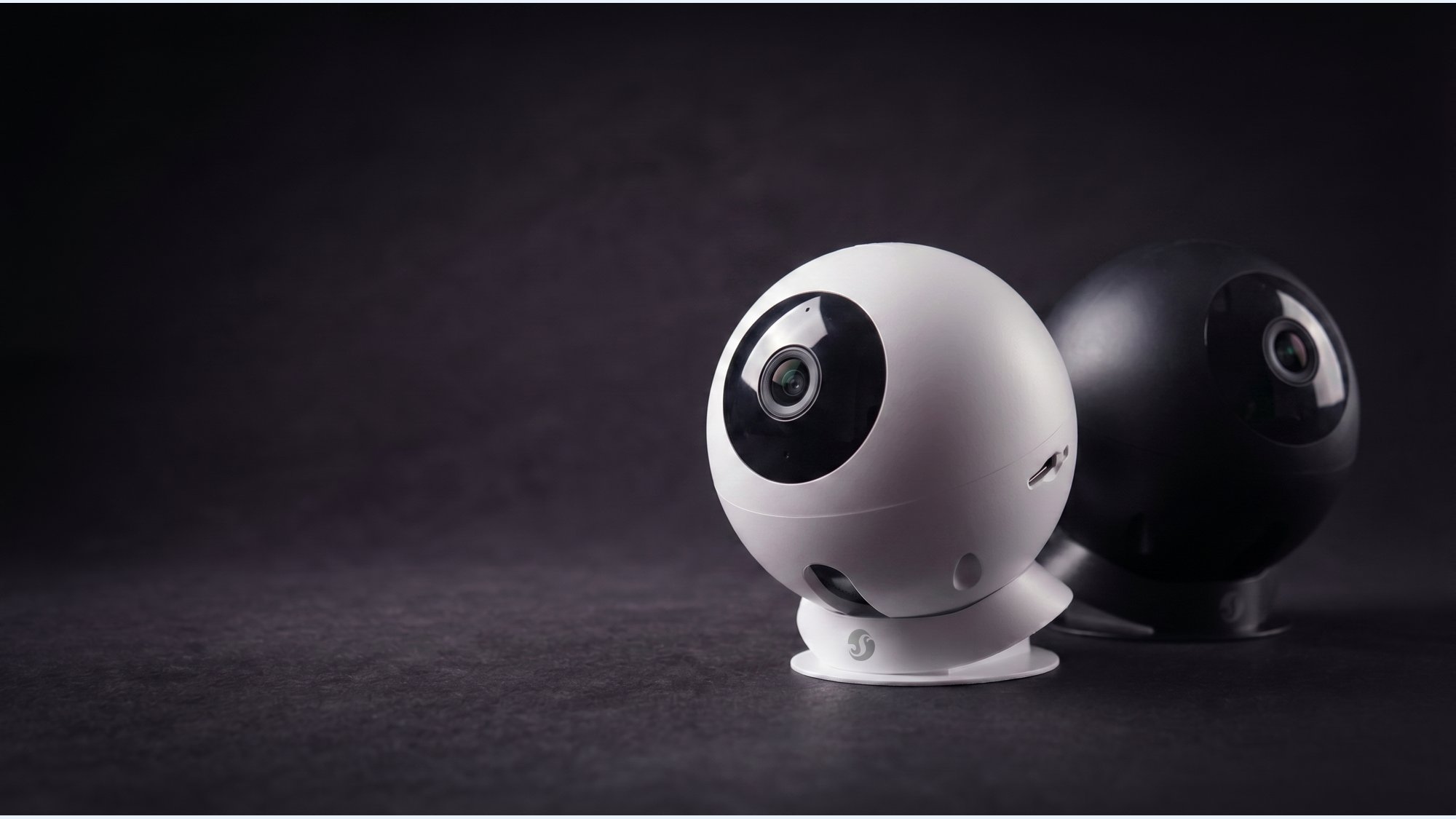
As a practical example, Shelly Camera combines Full HD 1080p video, motion zones, AI object recognition, local and cloud storage, two-way audio, privacy features and smart home integrations. Used thoughtfully, it illustrates the feature set that tends to matter most in everyday indoor monitoring.
1. Start with video quality you can actually use
Video quality matters because it determines whether footage is just proof that something moved, or a useful record of what actually happened. For most homes, 1080p is still a sensible baseline. It is detailed enough to identify people in a hallway, see packages near a doorway, or understand what happened in a living room without pushing storage and bandwidth requirements too high. Shelly Camera records in Full HD 1080p, which fits that practical middle ground.
Resolution, however, is only one part of image usefulness. Field of view matters too. A camera with a wide enough view can capture the whole scene instead of a cropped slice of it. Shelly Camera lists a 110° horizontal and 70° vertical field of view, which can be helpful in rooms where you want broad coverage without placing the camera in an awkward spot.
The real test is context. A sharp image of the wrong area is less useful than a decent image of the right one. For a home monitoring camera, think about whether you want to see a whole entryway, a garage interior, or one specific room corner. The best security camera for home use is usually the one that frames the scene well enough to explain what happened afterward.
2. Look for smart motion detection, not just motion detection
Basic motion detection simply reacts when something changes in the frame. That sounds fine until you realize how many unhelpful alerts it can create: a pet crossing the room, light changes from a window, or everyday movement in a busy hallway. A camera with smarter motion tools can make notifications feel manageable instead of noisy.
Shelly Camera supports customizable motion detection zones, motion-triggered recording and real-time alerts with thumbnail previews. Those features matter because they let you decide where the camera should pay attention and what deserves a notification. In a hallway, for example, you may want alerts only when someone enters from a specific doorway. In a living room, you may prefer zones that ignore the TV area or a pet bed.
Event-based recording is useful for the same reason. Rather than recording everything continuously, the camera can save clips when motion occurs. That makes it easier to review events later and avoids sorting through hours of uneventful video.
"Motion detection is most useful when it reduces noise, not when it adds more of it."",
3. AI detection can make alerts more useful
AI detection can be useful when it helps sort motion into categories that people actually care about. For example, a camera that can identify people, pets and vehicles may give you more context than a generic motion alert. Shelly Camera uses cloud-based AI object recognition for those categories, which can make event review faster when you are checking what happened at home.
That said, AI is a helper, not magic. NIST notes that AI systems can make mistakes and that performance depends on context and use, so it is smart to treat AI alerts as a filter rather than a guarantee of accuracy. A pet detection may still misclassify an unusual object, and low light or unusual angles can affect results. The practical goal is not perfection; it is fewer irrelevant alerts and more useful ones.
In everyday use, that means AI features are best judged by how they improve your routine. If you mainly want to know whether a person entered the room, whether a pet was active, or whether a vehicle pulled into a monitored area, AI classification can save time. If you want a camera that simply records every motion event, AI matters less.
4. Don’t forget night vision
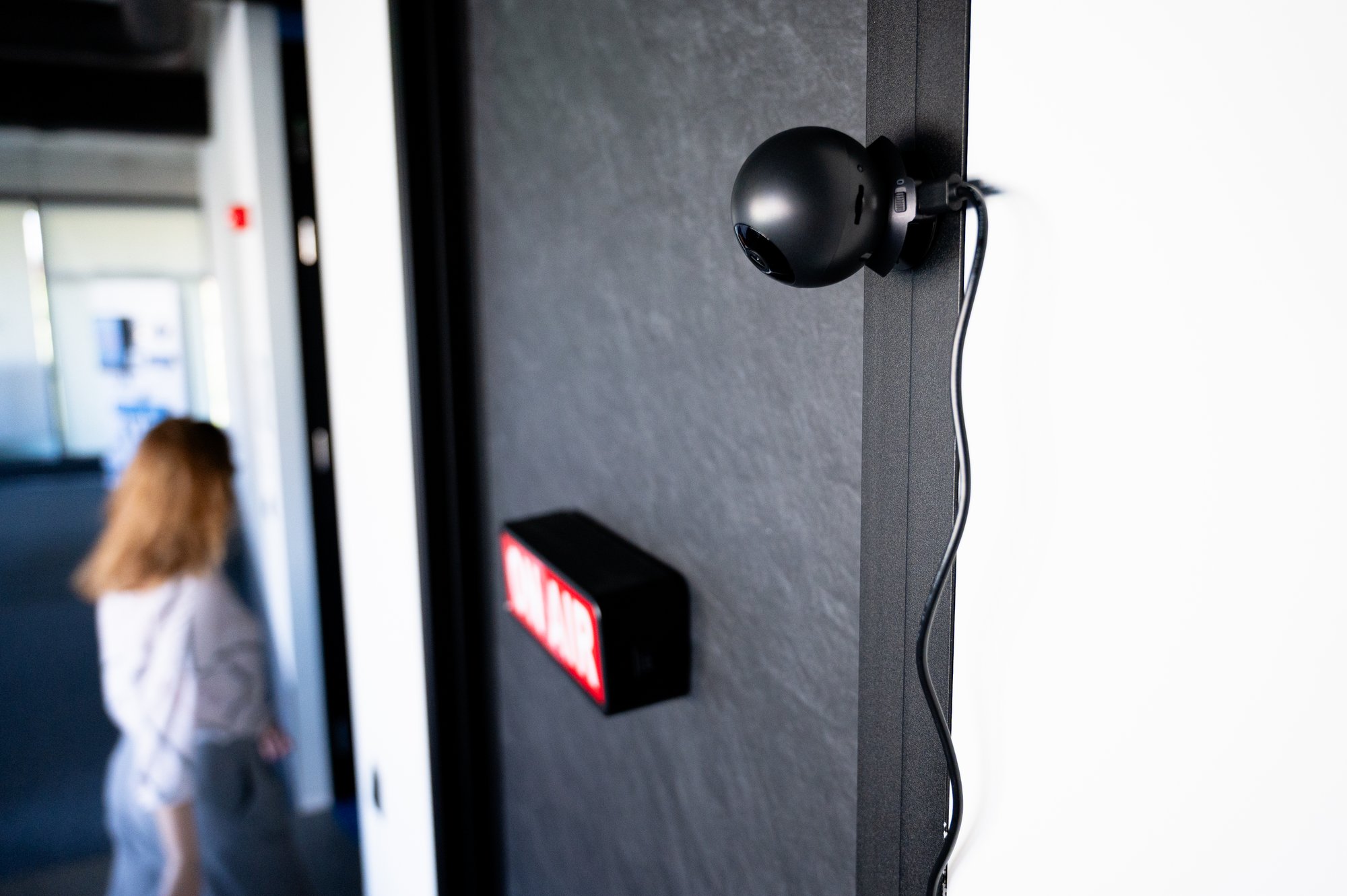
A camera that works well during the day but loses clarity at night is only half useful. Indoor spaces often get darker exactly when monitoring becomes more relevant: hallways after bedtime, garages in the evening, or living rooms when the lights are off. That is why security camera with night vision is still a meaningful search term, even for indoor use.
Shelly Camera supports black-and-white night vision, which is designed to keep footage visible in low light. Black-and-white mode is common because it can reveal shapes and movement more clearly than a dim color image. The main question is not whether the camera can produce a dramatic-looking image; it is whether you can still understand who or what moved through the space.
For a hallway or stair landing, night vision is often essential. For a bright home office with lights on most of the day, it may be less important. The point is to match the camera to the room, not assume every feature matters equally.
5. Local storage or cloud storage? Ideally, have a choice
Storage is one of the most important buying decisions because it affects how you review footage, how long clips remain available, and how dependent the camera is on an ongoing service. A security camera with local storage can record to a microSD card, which gives you direct access to footage inside your home. Cloud storage adds remote access and off-device backup, which many buyers appreciate for convenience.
Shelly Camera supports local microSD storage and secure EU-based Shelly cloud storage. That flexibility is valuable because different households have different preferences. Some people want local-only recording for simplicity. Others like cloud access when they are away from home. Many buyers prefer both, because local and cloud options can complement each other rather than compete.
Consumer guidance also commonly treats storage as a key factor alongside resolution, field of view, night vision and privacy. That is a good reminder that storage is not an advanced extra. It is part of everyday usability.
6. Privacy features matter just as much as security features
Indoor cameras should be designed with privacy in mind because they live in shared, personal spaces. The most important privacy controls are the ones that give you clear control over when and where recording happens. In practical terms, that includes blackout zones, privacy mode and simple controls for disabling capture when you do not need it.
Shelly Camera supports blackout zones and Privacy Mode, which can help when a camera is placed in a room that is used for work, family time or guests. Privacy features are especially relevant for indoor cameras because people usually want coverage at specific times or for specific areas, not constant recording of every corner of the home.
The broader security guidance from CISA also emphasizes layered protection and practical choices rather than relying on one device alone. That same mindset applies here: a camera should support your household’s routine, not force your household to adapt to the camera.
7. Two-way audio adds more than monitoring
Two-way audio is easy to overlook, but it can be useful in small, everyday ways. A built-in microphone and speaker let you speak through the camera, hear what is happening, or check in on a room without opening another app or walking over to the device. Shelly Camera includes two-way audio, which makes it more flexible as a home monitoring camera.
For an indoor camera, that might mean reminding a child that dinner is ready, checking whether a pet is settling down, or talking to someone in the room when you are not there. It is worth noting that two-way audio is not the same thing as a doorbell system, and it should not be treated as a replacement for one. Used well, it simply makes the camera more interactive and more useful inside the home.
8. The best security camera should work with your smart home
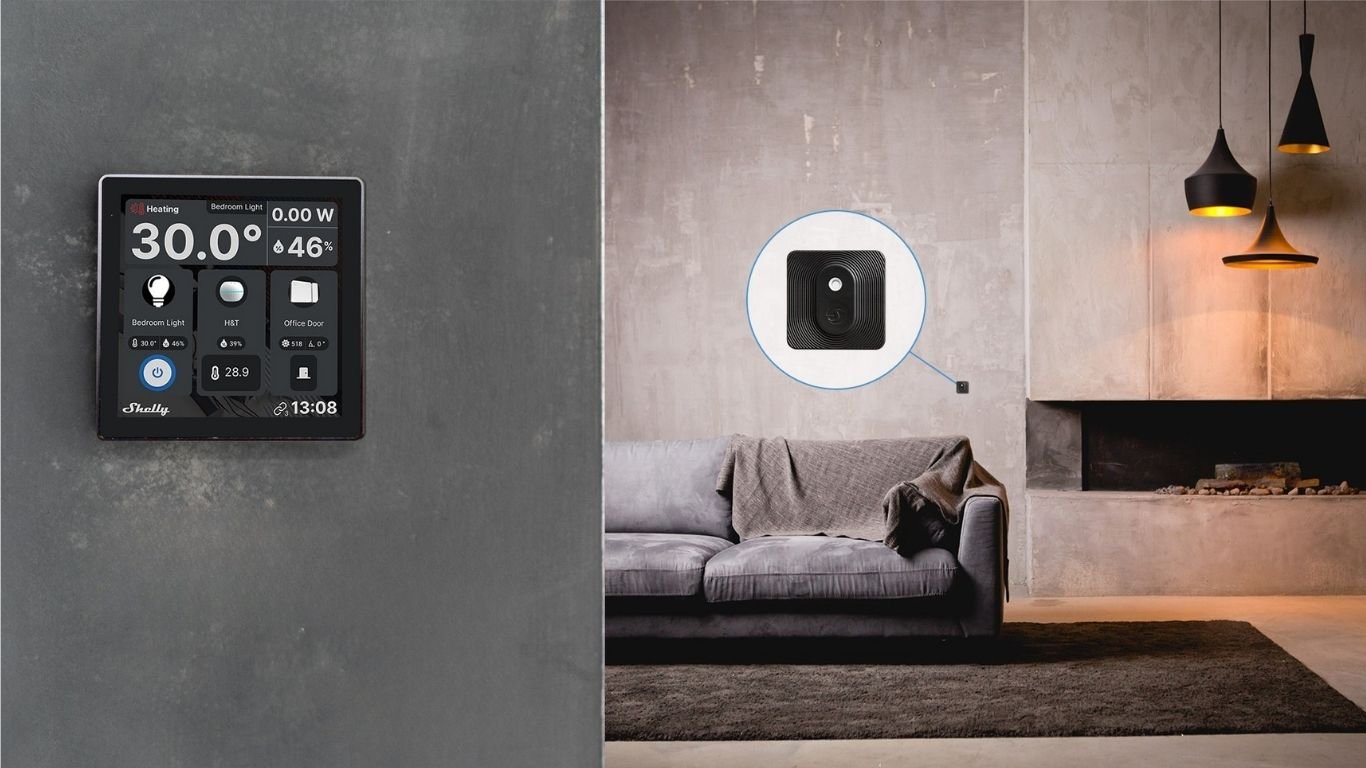
Smart home integration is not just for enthusiasts. It can make a security camera easier to live with. If your camera connects cleanly to your existing setup, you can view it alongside other devices, trigger automations, or pull footage into your preferred monitoring tools. Shelly Camera supports dual-band 2.4 GHz / 5 GHz Wi-Fi, Bluetooth, RTSP and integrations with Home Assistant, Frigate NVR, Alexa, Google Home and SmartThings.
For many users, the standout detail is RTSP support, because it can open the door to local video workflows and third-party integrations. Home Assistant is also an important option for people who want a centralized smart home dashboard. If you already use voice assistants or a platform like SmartThings, it helps when the camera can join that ecosystem without complicated workarounds.
Think of integration as a usability feature, not a tech hobby feature. If you can check the camera feed where you already manage the rest of your home, you are more likely to use it consistently.
Where should you put a home security camera?
Placement often matters as much as the feature list. A well-chosen indoor camera can make a narrow set of spaces feel much easier to monitor. The most common spots are entryways, garages, living rooms, home offices and vacation homes when they are unoccupied.
For an entrance or hallway, a camera with a useful field of view and motion zones can capture people moving through the space without flooding your phone with alerts. In a garage, night vision becomes more important. In a living room, privacy controls matter because the camera may be in a shared area. In a home office, you may care most about keeping the device easy to disable when the room is in use.
If you are placing a camera in a vacation home, storage flexibility and remote access can be especially helpful. The broader point is simple: choose the camera feature set based on the room’s purpose, not a generic idea of “good security.”
- Can the camera see the full area you care about?
- Will motion zones reduce unnecessary alerts?
- Does the room need night vision after dark?
- Do you want local storage, cloud storage or both?
- Should Privacy Mode be easy to switch on and off?
What to look for in the best home security camera
Here is a quick feature comparison to keep your decision grounded in real-world use. The goal is not to crown one perfect device, but to show which capabilities tend to matter most after installation.
| Feature | Why it matters | What to look for | Example: Shelly Camera |
|---|---|---|---|
| Video quality | Helps you understand what happened | Clear 1080p video and a usable field of view | Full HD 1080p, 110° horizontal / 70° vertical |
| Motion detection | Reduces noisy alerts and focuses recording | Detection zones, event recording, thumbnail previews | Customizable motion zones, motion-triggered recording, real-time alerts |
| AI alerts | Adds context to motion events | People, pet or vehicle classification with realistic expectations | Cloud-based AI object recognition |
| Night vision | Keeps footage useful in low light | Night mode that still shows shapes and activity clearly | Black-and-white night vision |
| Storage | Affects access, retention and flexibility | Local, cloud or hybrid options | MicroSD and secure cloud storage |
| Privacy | Important for indoor spaces | Privacy mode, blackout zones and simple controls | Blackout zones and Privacy Mode |
| Integrations | Makes the camera easier to use daily | RTSP, smart home platforms and app access | RTSP, Home Assistant, Frigate NVR, Alexa, Google Home, SmartThings |
Is Shelly Camera right for your home?
Shelly Camera is a good fit for buyers who want a compact indoor camera with the features that matter after installation: clear 1080p video, motion zones, AI-based event sorting, night vision, local and cloud storage, privacy controls and smart home integration. It is especially relevant for people building a practical home monitoring setup around a hallway, entry, garage or shared indoor space.
More importantly, it illustrates a useful way to shop for the best security camera for home use: do not start with a single spec. Start with the outcome you want. Do you want fewer false alerts? Better nighttime visibility? Local recording? Easier smart home control? Once you answer those questions, the right camera becomes much easier to identify.
If you keep the focus on visibility, detection, storage, privacy and integration, you are more likely to choose a smart security camera that stays useful long after the setup process is finished.
Comments 0