
Best smart home devices depend on the problem you want to solve
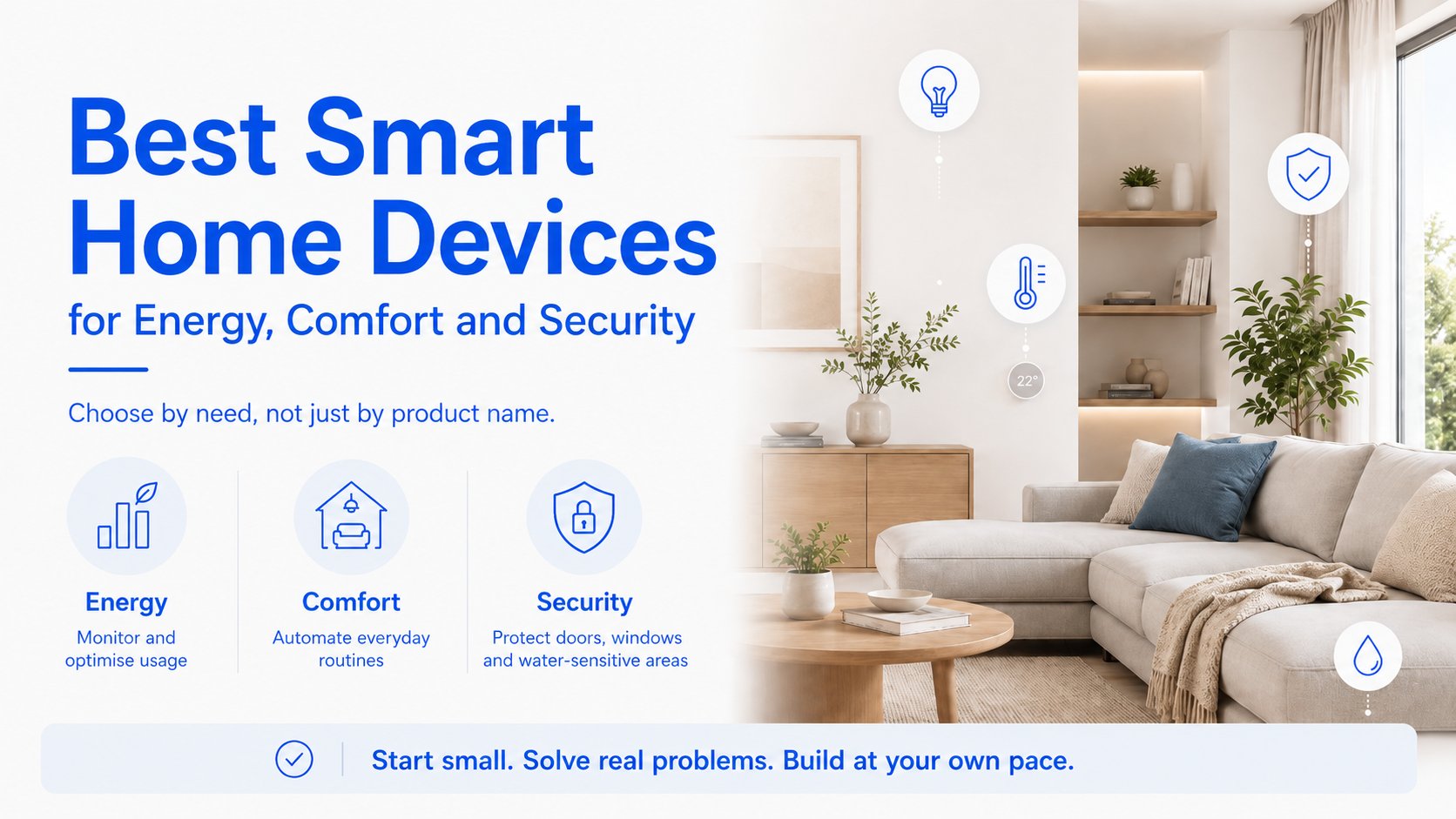
If you are shopping for the best smart home devices, the most useful question is not “Which gadget is coolest?” It is “What do I want to improve first?” For many people, that means lower energy use, more everyday comfort, or better home security. The good news is that you do not need to rebuild your home to get started. Many of the best smart home products work with existing wiring, common ecosystems, and local-control setups, so you can automate gradually and add devices only where they solve a real problem.
This guide takes a practical, use-case-first approach. Instead of comparing long spec sheets, it groups smart home devices by the job they do in real life: finding energy waste, making routines easier, and catching problems early. That makes it easier for beginners, apartment dwellers, and homeowners with older wiring to choose well and expand over time.
Best smart home devices for saving energy
If your main goal is reducing waste, the best smart home devices are the ones that help you see where electricity is going and then automate the biggest loads. That usually starts with energy monitoring devices, smart plugs, and switch-based control for lights and appliances. These tools are most useful when you want to identify a single power-hungry device, stop something from running longer than needed, or track patterns over time.
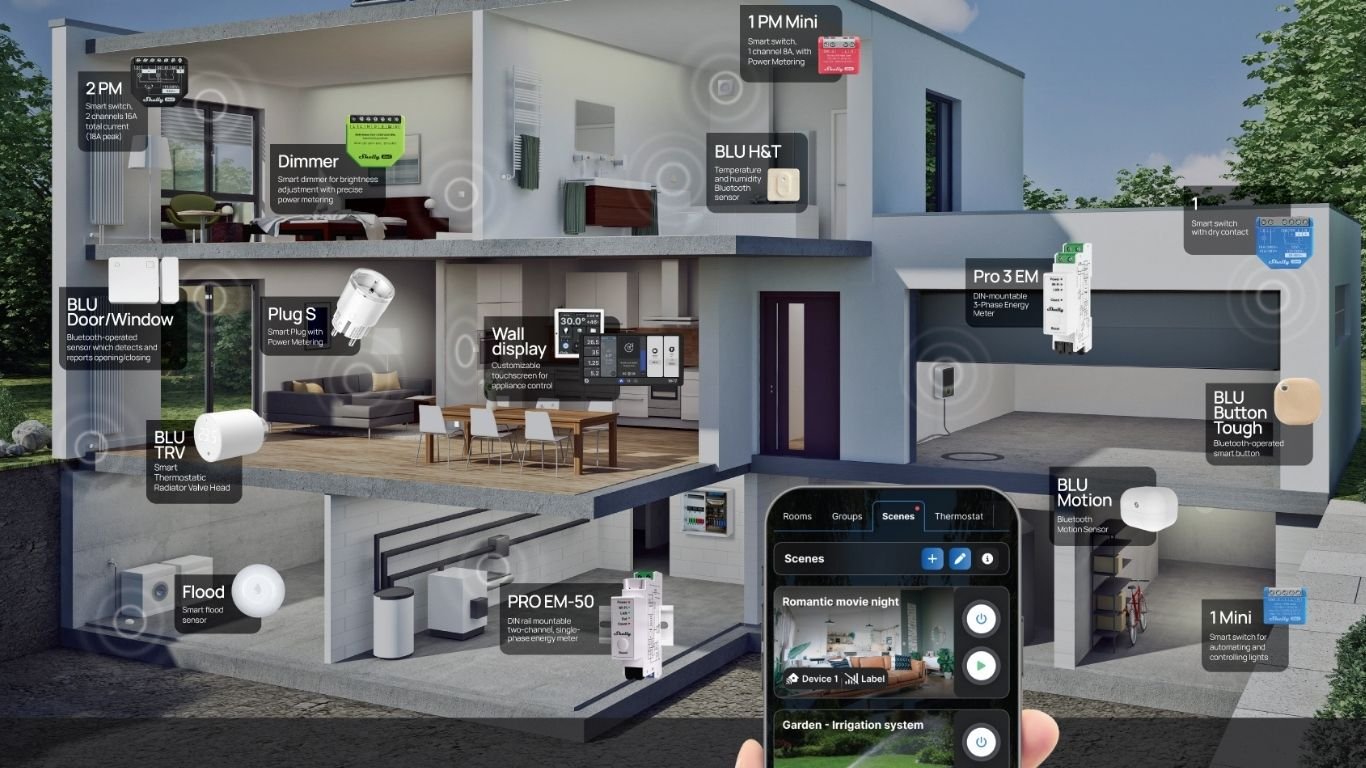
For whole-home visibility, a device such as Shelly Pro 3EM can monitor three-phase installations, whole-home consumption, solar production, and EV charger usage. That makes it a strong fit when you want a broad picture of how much energy your home is using overall. If you need a more targeted view, Shelly EM Gen4 is suited to individual circuits and appliances such as heat pumps, water heaters, air conditioners, and pool pumps. In practice, that helps you answer a simple question: which load is driving the bill?
- Whole-home monitoring: useful when you want to spot high baseline use, solar export, or EV charging impact.
- Circuit-level monitoring: helpful for water heaters, HVAC equipment, and other large appliances that run on a schedule.
- Smart plugs: best for lamps, fans, coffee machines, and portable heaters you want to control without rewiring.
- Smart switches and relays: ideal for lights and hardwired circuits when you want automation without replacing the fixture.
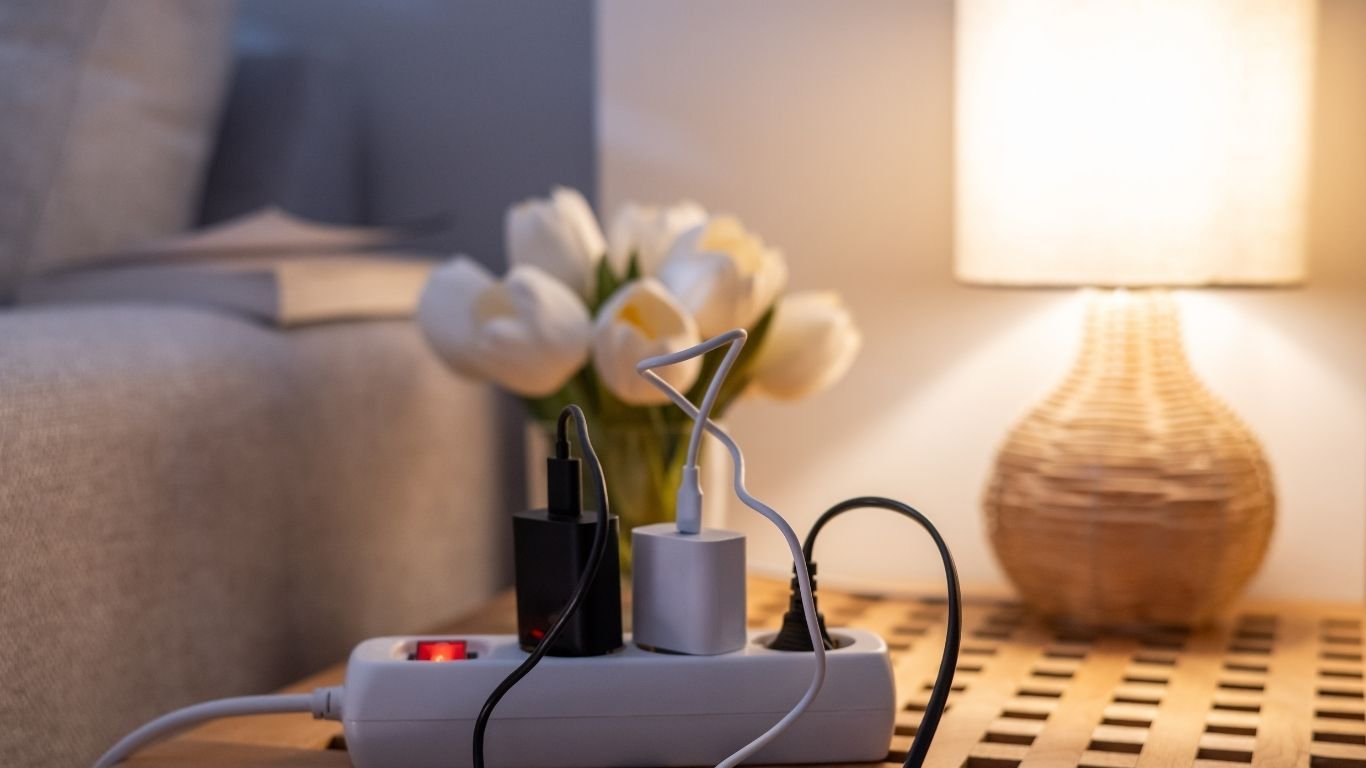
For beginners, a smart plug is often the easiest starting point. Shelly Plug S Gen3 can add control and energy monitoring to everyday devices like lamps, fans, coffee machines, and portable heaters. That is useful in two ways: you can switch devices on and off remotely, and you can see whether a device is drawing more power than expected. It is also a simple retrofit option because you plug it in rather than changing the wiring.
One of the smartest ways to use energy monitoring devices is to combine them with automation. For example, you can set a schedule for a water heater, turn off a heater when a room is empty, or track whether a device is left in standby too often. Smart home automation will not cut bills on its own, but it can reduce unnecessary runtime and help you make better decisions about where to focus next.
Best smart home devices for comfort in everyday routines
Comfort is where many people first notice the value of smart home devices. The best setup is usually one that removes a small daily annoyance: a room that gets stuffy, lights that are either too bright or too dim, shutters that must be adjusted by hand, or heating and cooling that need constant attention. Instead of building around gadgets, build around routines such as waking up, leaving home, cooking, or winding down at night.
A temperature and humidity sensor such as Shelly H&T Gen3 can support heating, cooling, and ventilation automations. That means you can trigger a fan when humidity rises, adjust heating when a room gets too cool, or create a more stable environment in bedrooms and bathrooms. This kind of device is especially helpful when a room feels uncomfortable, but you do not want to guess why.
Smart lighting is another comfort upgrade that works well for beginners. Shelly Dimmer Gen4 supports brightness control, scenes, and scheduling for compatible lighting installations, which is useful for morning and evening routines. A softer light scene can help you wind down at night, while brighter lighting can make kitchens and work areas easier to use. If you want simple on/off control with monitoring, Shelly 1PM Gen4 adds power metering to smart lighting and other connected circuits.
For windows and sunlight, Shelly 2PM Gen4 is suited to roller shutters, blinds, and other covering automation use cases. That can improve comfort by reducing glare, protecting rooms from afternoon heat, and giving you privacy on a schedule. In rooms with strong sun exposure, automated coverings can make the space easier to live in throughout the day.
Best smart home devices for home security and leak detection
When people think of smart home security, they often jump straight to cameras. But for many homes, the most useful first devices are simpler: door and window sensors, motion sensors, and leak detectors. These devices help you notice what should not be happening, whether that is a door left open, movement in a hallway at the wrong time, or water where it should never be.
Shelly BLU Door/Window can detect door and window status and support notifications and automation. That is useful for open-window alerts, vacation mode, and heating automation that pauses when a window is opened. In everyday use, it can also remind you not to leave a balcony door open before you leave the house.
Shelly BLU Motion supports motion-based automations, lighting triggers, and security-related triggers. In a hallway or garage, it can switch on lights when someone enters. In a security context, it can alert you to unexpected movement or activate a presence-based routine. Motion sensors are especially helpful in places where you do not want to walk around in the dark.
Water leak protection is another high-value category because it can prevent a small issue from becoming expensive damage. Shelly Flood is designed for water leak detection and flood alerts, which makes it a practical option for bathrooms, boiler areas, laundry rooms, and under sinks. A leak sensor cannot stop water on its own, but it can warn you early enough to act before damage spreads.
Best smart home devices for beginners: start small and expand gradually
If you are new to smart home automation, the best smart home devices are usually the ones that solve one annoyance immediately and do not require a full renovation. A good beginner sequence is: first, add a smart plug to one appliance; second, add a sensor to one room; third, automate one light or shutter; and fourth, connect everything in a single app or platform. This gradual approach is easier to manage and helps you learn what actually matters in your home.
That is where retrofit-friendly devices are especially useful. A device such as Shelly 1 Gen4 can provide smart control for lights and circuits while retaining existing wall switch functionality, which is valuable if you want automation without losing normal manual control. For many homes, that balance is ideal: the wall switch still works, but you also gain app control and automation options.
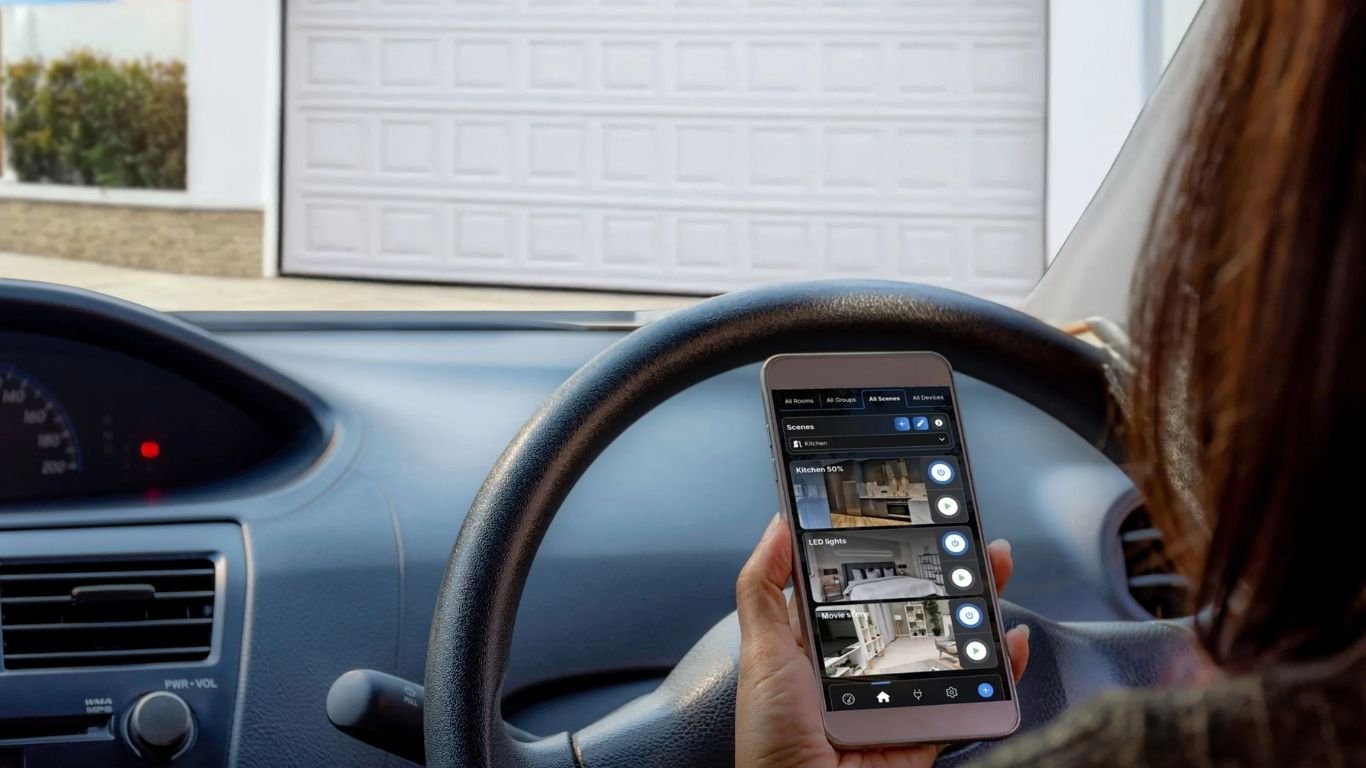
It also helps to choose a control layer that can grow with you. Shelly Smart Control provides a central app and cloud/local control experience for managing devices and automations, while platforms like Home Assistant emphasize local control and broad integrations. In plain language, that means you can start with a simple app now and still leave room for deeper automation later.
Best smart home devices by room
Thinking room by room is one of the easiest ways to choose smart home devices. It keeps the process practical and helps you match the device to the problem you actually see every day.
- Living room: smart lighting, dimming scenes, and motion-triggered lighting for evenings and guests.
- Kitchen: appliance monitoring with smart plugs or circuit-level energy monitoring for coffee machines, kettles, and heavy-use appliances.
- Bedroom: shutter automation, temperature sensing, and gentle wake-up or wind-down lighting scenes.
- Bathroom: humidity sensing and leak detection to support ventilation and early water alerts.
- Garage: motion lighting, door status alerts, and power monitoring for tools or chargers.
- Garden or outdoor areas: lighting control, schedules, and automation that responds to presence or time of day.
In the kitchen, a smart plug can show whether a countertop appliance is being used heavily or left on too long. In the bedroom, shutter control and temperature sensing can make sleep more comfortable. In the bathroom, a leak sensor can alert you before a slow drip turns into a repair. In the garage, motion-triggered lighting can make coming and going easier while also improving visibility.
What to look for before buying smart home devices
The best smart home products are not necessarily the ones with the longest feature list. Before you buy, check whether the device fits your existing home, your preferred ecosystem, and your comfort level with setup. A beginner-friendly purchase should solve a specific problem, be easy to expand later, and not force you into replacing wiring or changing every device at once.
- Matter support: useful for interoperability across supported smart home devices and ecosystems. Learn more at Matter.
- Local control: important if you want automations to work reliably even when internet access is limited; Home Assistant is a well-known example.
- Energy monitoring: valuable if your main goal is to understand usage instead of guessing.
- Integration options: check compatibility with Apple Home, Google Home, and Amazon Alexa if you already use one of those ecosystems.
- Scalability: choose devices that let you start with one room and expand later.
- Compatibility with existing wiring: especially important in retrofit homes where you want to keep wall switches and add automation gradually.
It is also worth considering the quality of the app and the setup experience. A device can have excellent hardware but still feel frustrating if the daily controls are confusing. For many people, the right choice is the one they will actually use consistently, not the one with the most advanced settings.
Which smart home device is right for you?
If you are still comparing the best smart home devices, use the table below as a quick shortlist. Start with your goal, then match it to the most useful device category.
A simple way to choose the best smart home devices
The best smart home devices are the ones that solve a specific problem in your home today and still make sense when you expand later. If you want energy insight, start with monitoring. If you want comfort, begin with sensors, lighting, or shutter control. If you want security, choose door, motion, and leak alerts first. And if you are building a smart home without replacing existing wiring, look for retrofit-friendly devices, local control options, and ecosystems that support gradual growth.
For many beginners, that means starting small with one or two devices, learning what you actually use, and then adding more only when the next problem becomes clear. That is the most reliable way to turn smart home automation into something practical rather than complicated.
FAQ: best smart home devices for beginners
Are smart home devices worth it?
They can be, especially when they solve a repeated annoyance such as wasted energy, uncomfortable rooms, or late leak detection. The value is usually clearest when the device fits a specific routine.
Which smart home devices save energy?
Energy monitoring devices, smart plugs, and smart relays are the most practical starting points. They help you see what is running and automate the loads that matter most.
Can I build a smart home without rewiring?
Yes. Smart plugs, sensors, and some retrofit relays let you add automation to existing homes gradually. That is one reason beginner-friendly smart home devices are so popular.
What works with Matter?
Matter is designed to improve interoperability across supported devices and ecosystems. Always check the product page and your preferred platform before buying, because compatibility still depends on the specific device and setup.
What should I buy first if I am new to smart home automation?
A smart plug or a single sensor is often the easiest starting point. From there, you can add lighting, comfort automation, or security devices once you know which room needs the most help.
Comments 0