
Why smart cooling control matters
Smart cooling control is about using automation to keep your home comfortable without running air conditioning more than necessary. Cooling can be a major driver of summer electricity use, so cutting unnecessary runtime is one practical way to reduce wasted energy without giving up comfort (U.S. Department of Energy).
Instead of guessing when a room feels warm enough to cool, smart home automation can respond to temperature, humidity, schedules, and occupancy. That makes it easier to support smart air conditioning routines, reduce air conditioning costs over time, and avoid cooling empty rooms or overcooling overnight. The goal is not to replace professional HVAC design, but to add better control and visibility to the system you already have.
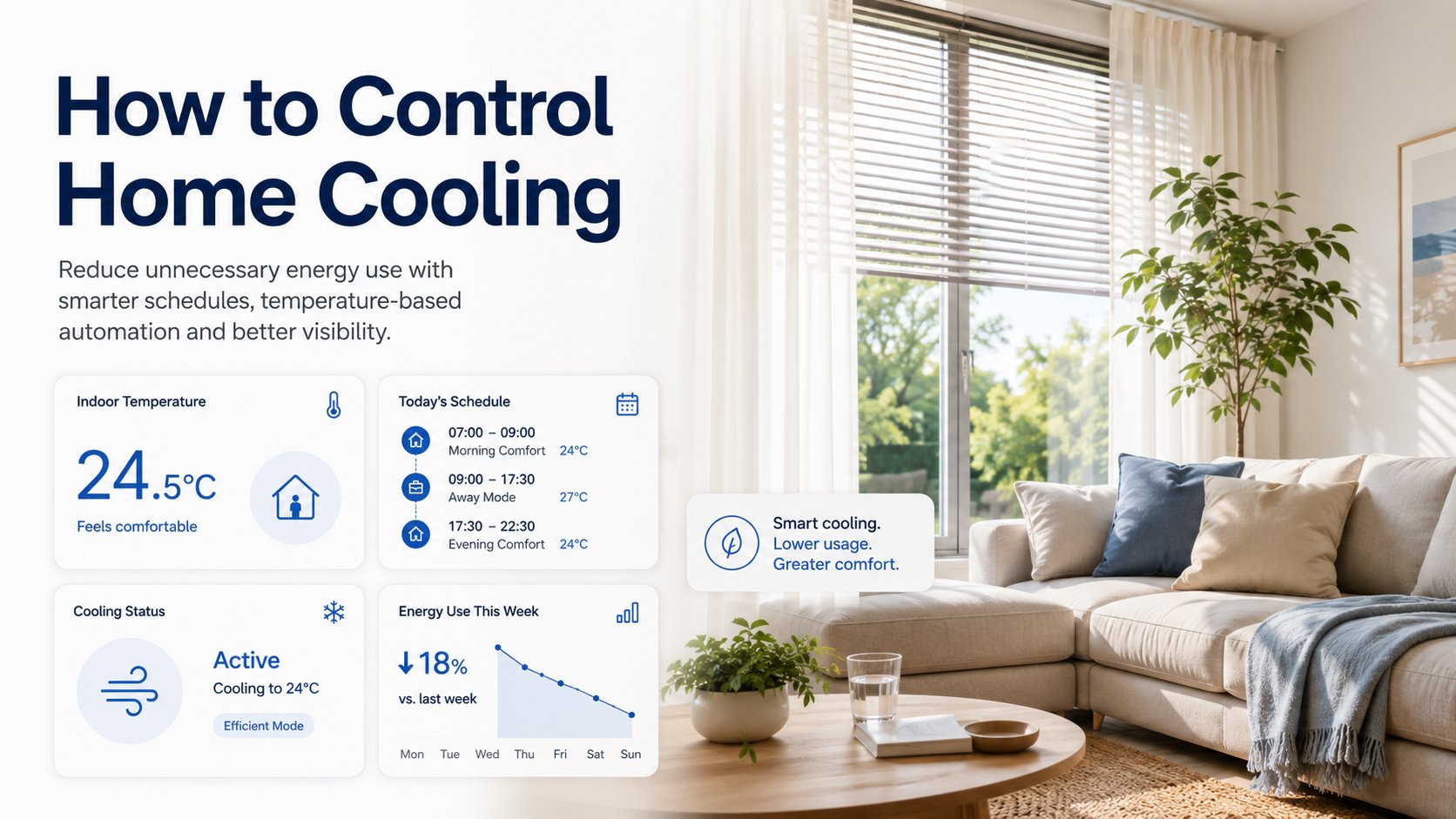
Common ways homes waste cooling energy
Many households waste cooling energy in very ordinary ways: leaving the AC running when nobody is home, cooling rooms that are rarely used, or keeping the system on overnight even when a lighter setting would be enough. Manual control can also lead to a simple problem—people forget to adjust the temperature when plans change. The U.S. Department of Energy notes that using temperature setbacks when occupants are away or asleep is a recognized way to avoid unnecessary heating and cooling (DOE programmable thermostats).
Another common issue is trying to cool the whole home the same way all day, even though room use changes. A bedroom, home office, and sunlit living room rarely need identical treatment. That is where home cooling automation becomes useful: it can turn routine behavior into repeatable logic, so cooling happens when it should and pauses when it should not.
Use temperature data instead of guessing
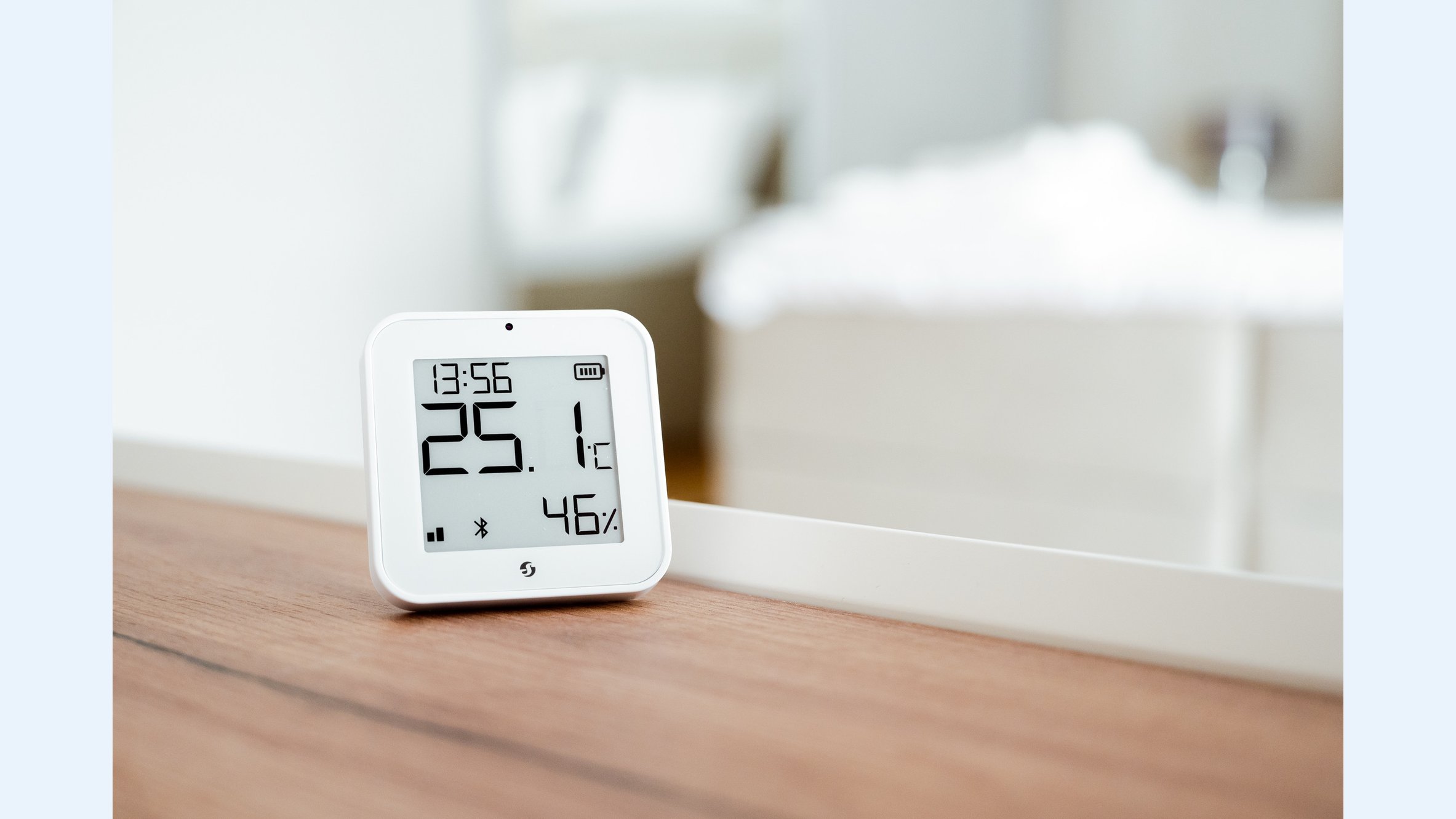
A temperature sensor smart home setup gives you a better foundation for cooling decisions than a fixed schedule alone. Indoor temperature and humidity can vary from room to room, especially in homes with lots of sunlight, poor airflow, or different occupancy patterns. Monitoring both temperature and humidity can help automation react to actual comfort conditions rather than a rough guess. Shelly H&T Gen3, for example, measures temperature and humidity for monitoring and automation scenarios.
This matters because a room can feel sticky before the temperature looks especially high, or the opposite can happen when humidity is low and the space feels comfortable sooner. If you use sensor data as the trigger, you can create automations such as: start cooling only when a room crosses a chosen threshold, pause cooling when the room is empty and still comfortable, or switch to a gentler setpoint once overnight temperatures drop.
Automate cooling with smart relays and schedules
Schedules are one of the simplest tools in smart cooling. If your routine is predictable, you can program cooling setbacks during work hours, set a calmer night mode, or create a vacation schedule that keeps the home from being cooled unnecessarily. ENERGY STAR and the U.S. Department of Energy both point to automatic adjustment based on routines, sleep, and away periods as a practical energy-management strategy (ENERGY STAR smart thermostats, DOE thermostats).
Smart relays can also help in supported setups where relay control is appropriate. A device such as Shelly 1 Gen4 is designed for relay-based control scenarios, while Shelly 1PM Gen4 adds power monitoring for supported loads. That can make them useful for automation logic, but they are not universal HVAC replacements. Always check compatibility with the specific cooling equipment and follow professional guidance where needed.
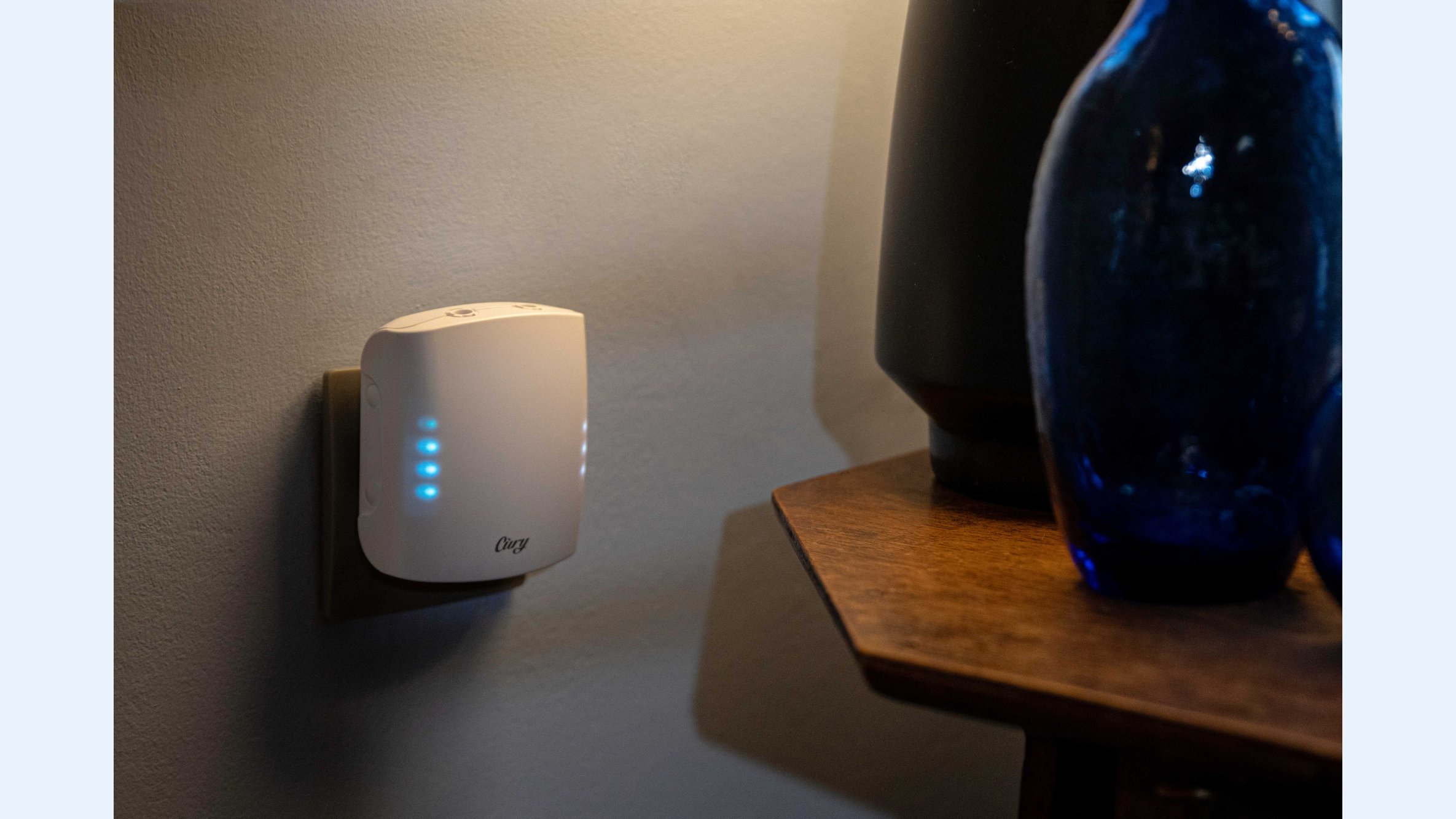
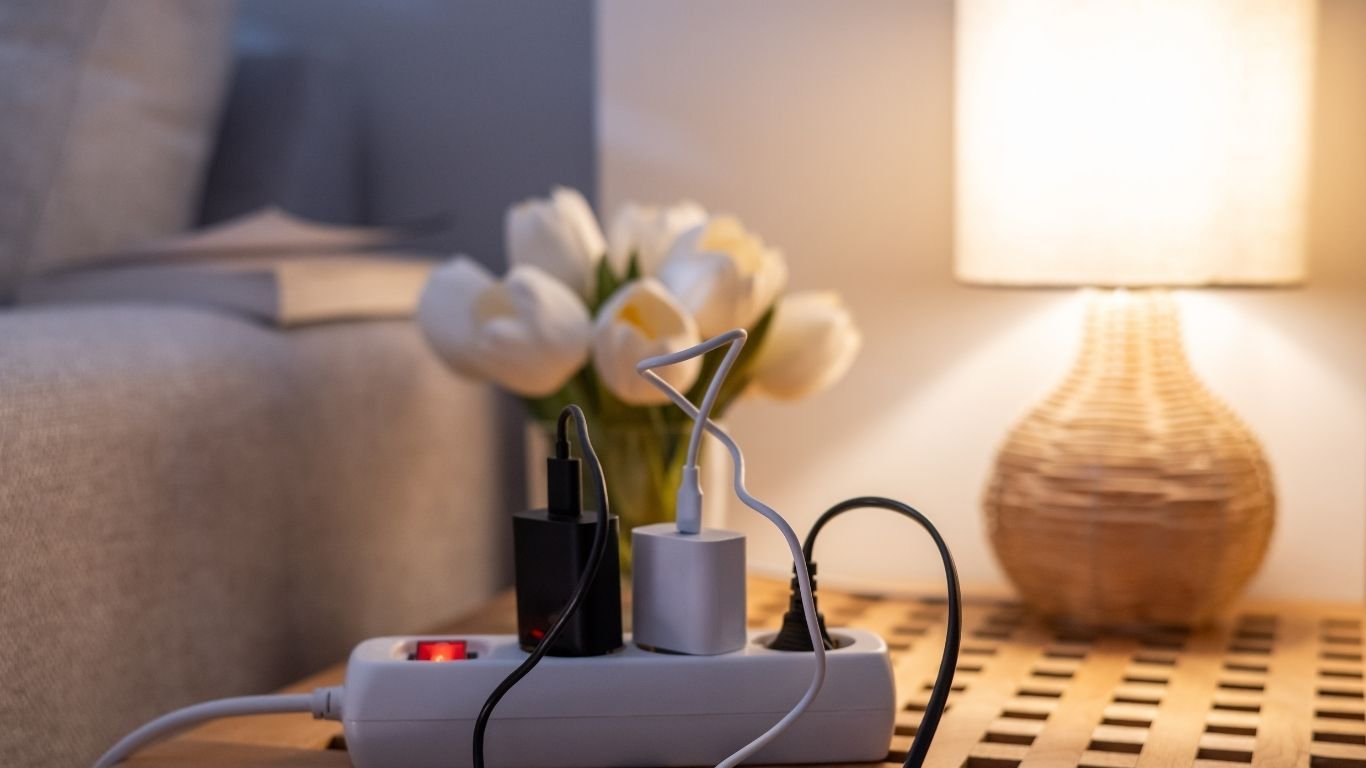
For portable or plug-in cooling-related devices, a smart plug can be a more straightforward option. Shelly Plug S Gen3 supports remote control, scheduling, and power monitoring for plugged-in appliances, which can be helpful for fans or other compatible devices that support plug-level control. That kind of air conditioner automation is often easier to start with than a full system change.
Create room-by-room cooling zones
Not every room needs the same cooling strategy. Bedrooms often benefit from a steady overnight setback with a slight pre-cool before bedtime. Home offices may need cooling only during working hours, while living areas can follow occupancy-based logic so they are comfortable when people are present and less aggressive when they are not.
These room-by-room cooling zones can improve comfort because they match how the home is actually used. If one room gets direct afternoon sun, it may need an earlier cooling trigger. If another room stays shaded and naturally cooler, it may not need the same level of air conditioning at all. This is one reason smart home cooling works best when it reflects real-life routines instead of a single all-house setting.
Track cooling energy use to spot waste
Energy monitoring gives you visibility that temperature alone cannot. If you can see when a cooling device runs, how long it runs, and how usage changes over the summer, you can spot patterns that suggest waste. Shelly Pro 3EM is designed for whole-home or major-load energy measurement and monitoring, which can be useful when you want to compare seasonal cooling consumption or identify runtime patterns at a broader level.
That visibility can reveal helpful clues: maybe the AC starts too early every afternoon, runs longer than expected after everyone leaves, or cycles during times when windows are open. With power data in hand, you can adjust schedules and automations with more confidence instead of relying on assumptions. For homeowners who want a smarter thermostat alternative without a full replacement, monitoring is often the first step toward better decisions.
Practical smart cooling automation ideas
- Pre-cool the home before people arrive, then ease back to a higher setpoint when the house is full and internal heat rises.
- Turn cooling down or off when occupancy drops to zero, such as after everyone leaves for work or school.
- Use a gentler overnight schedule so the system does not run harder than needed while people are asleep.
- Pair cooling with shading, ceiling fans, and other heat-reduction strategies so the AC does less work in some conditions (DOE air cooling your home).
- Watch the energy data after each change so you can tell whether an automation is reducing waste or simply moving it around.
These ideas work best when they are simple. A good automation does not need to be complicated; it just needs to match how your household actually lives. For example, a family might use one rule for weekday mornings, another for evenings, and a different one for weekends. That flexibility is one of the main advantages of smart cooling control.
How to improve comfort without wasting energy
The most effective approach combines a few basics: temperature and humidity sensing, schedules, occupancy-aware rules, remote control, and energy monitoring. Together, these tools help you reduce unnecessary cooling runtime while keeping the house comfortable at the times that matter most. Smart thermostats can automate parts of this process, but smart relays, plugs, and sensors can also support targeted control in the right application (ENERGY STAR).
If you are exploring the Shelly Smart Control app, use it as a way to observe patterns first and automate second. That order matters. When you can see temperature, runtime, and device status together, it becomes easier to choose sensible rules for a bedroom, portable cooling device, or supported relay-controlled circuit. The result is a more practical form of energy-efficient cooling: less guessing, fewer manual adjustments, and a better chance of avoiding unnecessary runtime.
“The best cooling automation is the one that matches the way people actually use the home.”
FAQ: smart cooling control
Why does cooling use so much electricity in summer?
Air conditioning is often one of the biggest contributors to household energy use in warm weather because it has to remove heat and humidity from the indoor air. That makes reducing unnecessary runtime a useful target for summer energy management.
Can I automate an existing air conditioner?
Sometimes, yes—but compatibility matters. Some setups can use schedules, smart plugs for portable units, or relay-based control for supported circuits, while other HVAC systems require different equipment or professional guidance. Smart relays are not universal replacements for HVAC controls.
How does a temperature sensor help with cooling?
A temperature sensor smart home setup can trigger cooling based on real room conditions instead of a fixed assumption. When humidity is included too, you can make automations that better reflect how the room actually feels.
Which devices are most useful for smart home cooling?
For control and visibility, the most useful devices are usually sensors, smart relays, smart plugs, and energy monitoring tools. Shelly H&T Gen3, Shelly 1 Gen4, Shelly 1PM Gen4, Shelly Plug S Gen3, and Shelly Pro 3EM each fit different control or monitoring scenarios, depending on what you want to automate.
Do I need a smart thermostat to make cooling smarter?
Not always. A smart thermostat is one option, but it is not the only way to improve cooling routines. For some homes, sensors, schedules, and energy monitoring provide enough control to reduce waste and make cooling more responsive.
A practical path to smarter summer cooling
Smart cooling control works best when it is simple, measurable, and tied to real household behavior. If you start with temperature sensing, add schedules for sleep and away time, use compatible devices where relay or plug control makes sense, and review energy data regularly, you can build a more thoughtful cooling routine without replacing your entire HVAC system. That is the practical promise of smart cooling: better comfort, better visibility, and less unnecessary energy use.
Comments 0